
Internet and email monitoring and reporting - Analyzer Premium

Internet & Email Montitoring and Reporting

Analyzer Premium Product Information
Product
Information
Analyzer Premium Technical Information
Technical
Information
Analyzer Premium Screen Shots
Screen
Shots
Analyzer Premium Online Demonstration
Product
Demonstration
Download a free 30 day trial
Download
Now

Version 4.2 now available! Download brochure (2.2 MB)

WebSpy Analyzer Premium is a powerful Internet monitoring and reporting tool, with the additional ability to import log files generated by mail servers. This ability provides you with a complete email and Internet monitoring solution.

Analyzer Premium - Users drilldown. Click to enlarge!

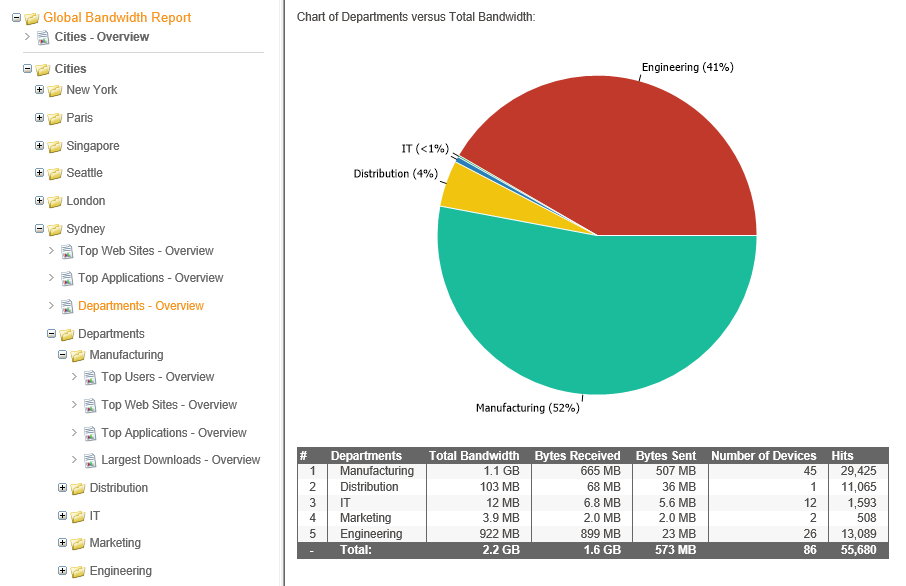
You can import log files into Analyzer Premium that your mail server, Internet proxy server or firewall generates, and conduct detailed investigations into all areas of your organization's Internet and email usage.

Import:
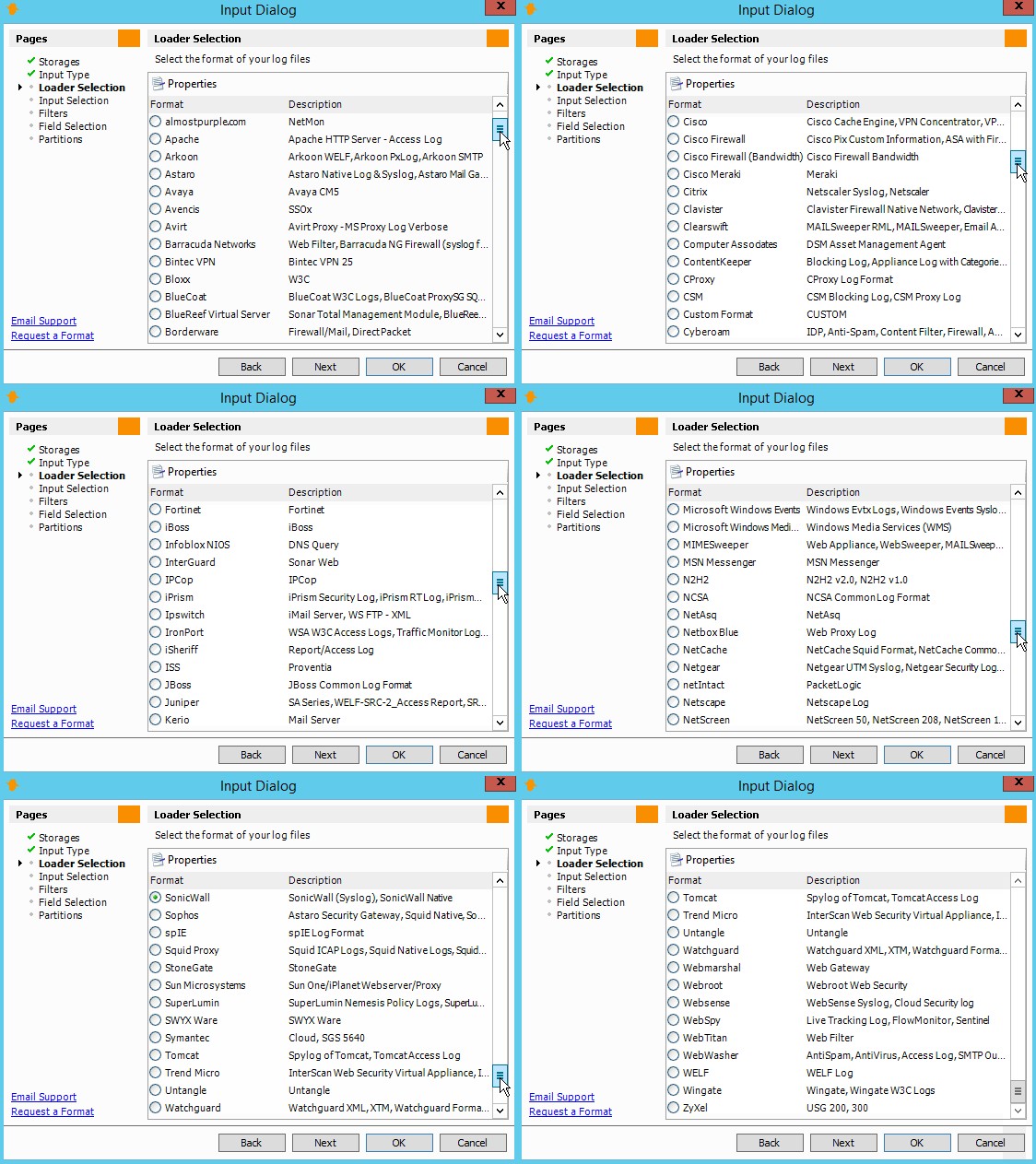
Import up to 3 GB of log file data into a customized database called a 'storage'. Storages compress your log file data to approximately 10% of their original size so you can analyze your organization's Internet activity quickly and easily. Analyzer Premium enables you to have up to six storages open at once for easy management of your data, and supports a wide variety of log file formats. View supported log formats

Analyze:
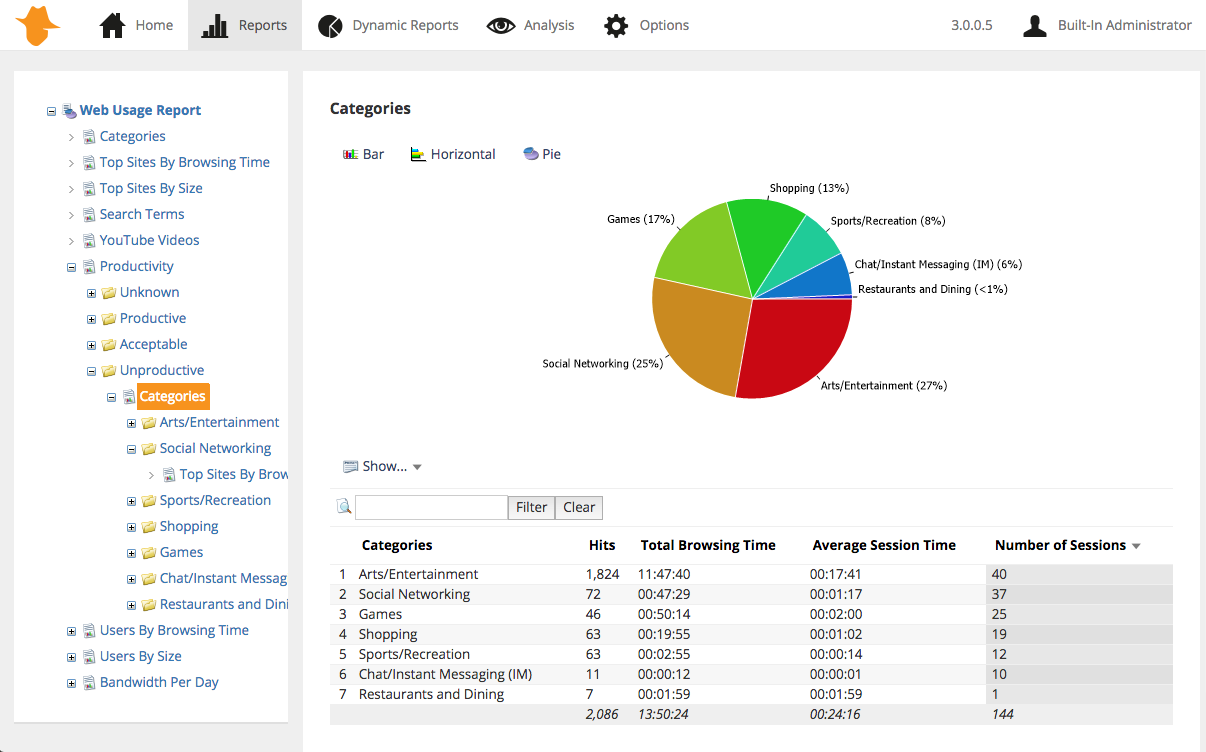
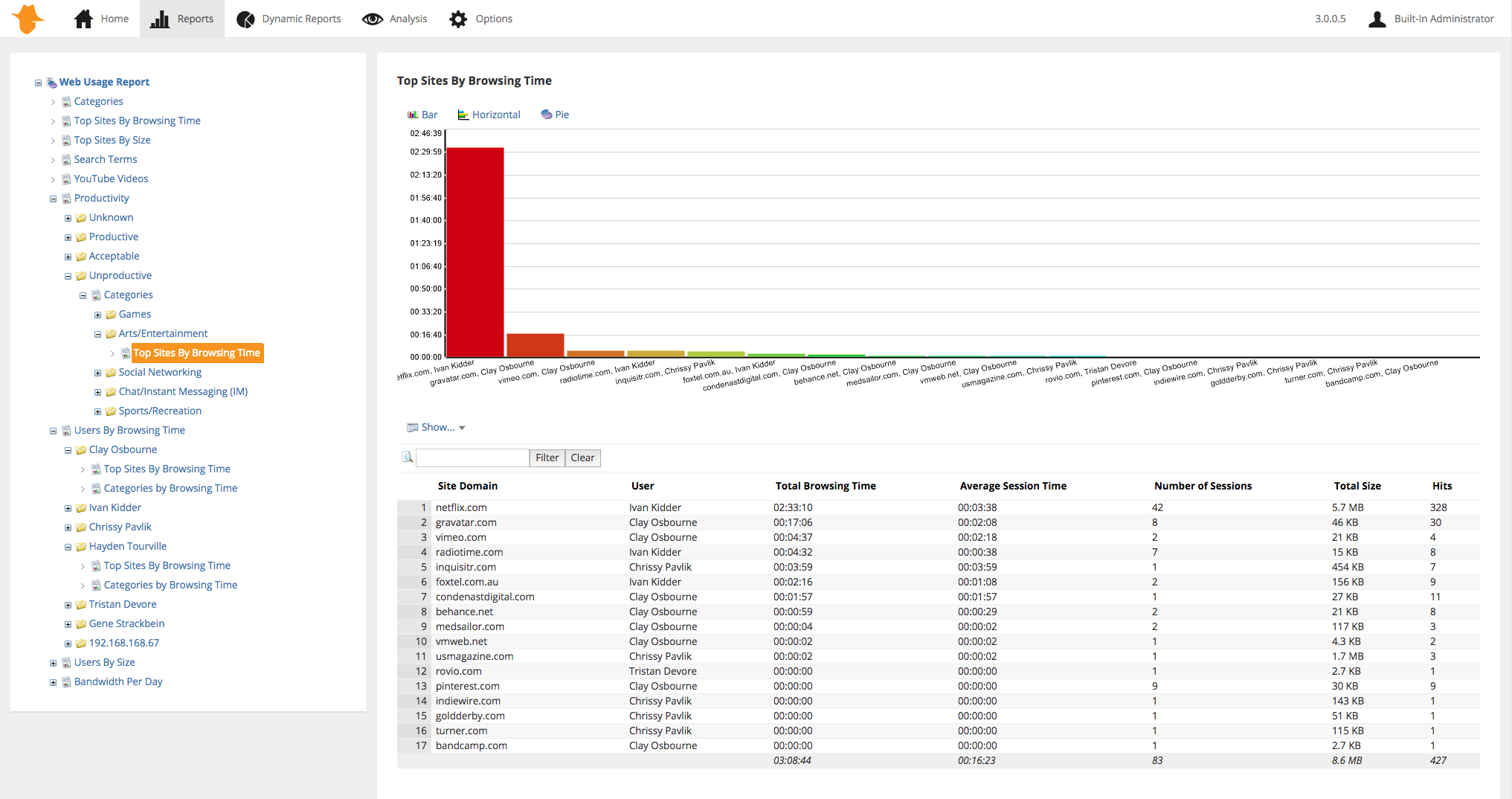
Analyzer Premium's powerful drilldown functionality enables you to easily explore all areas of your organization's Internet activity. Uncover sources of Internet misuse, as well as help discover and reward users that are utilizing network resources productively.

Report:
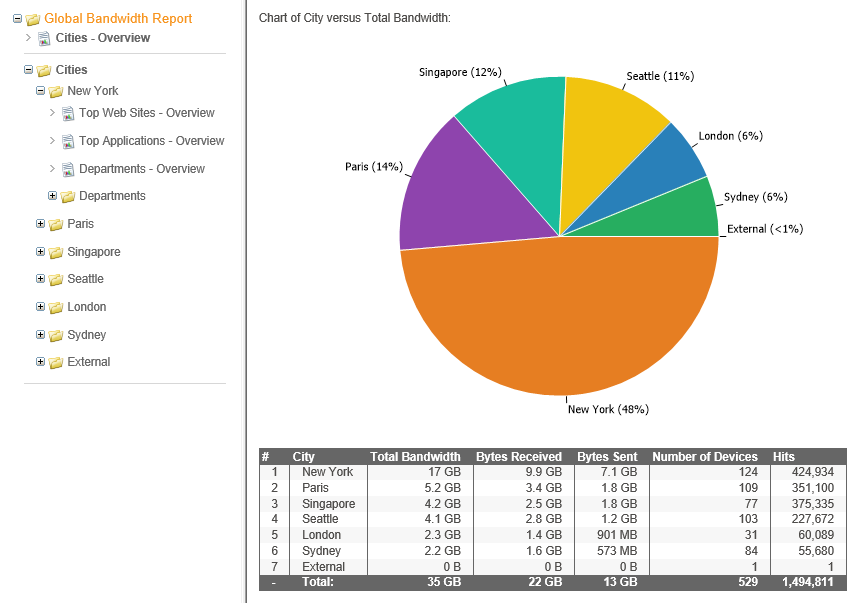
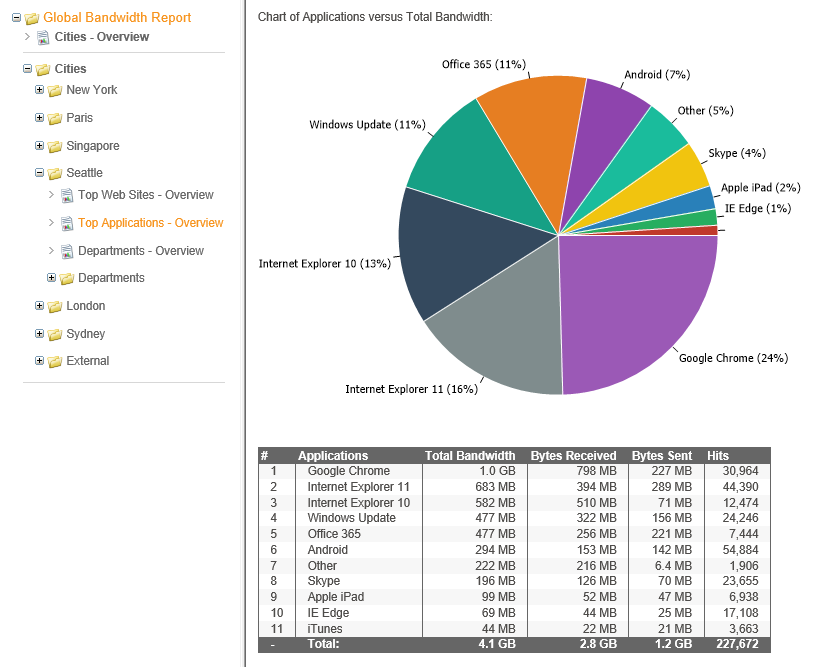
Produce a range of comprehensive reports in a variety of formats. Export any information to Microsoft® Word (.DOC), Excel (.CSV) or HTML (.WSR) format. View sample reports here.

Customize:
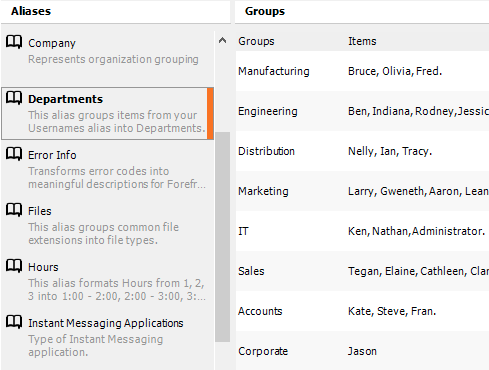
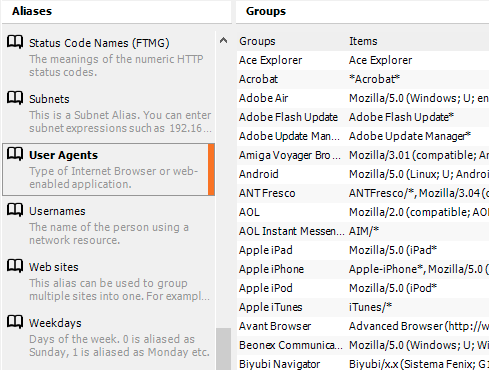
You can customize your imported data to display user names (instead of IP addresses or computer names), site names (instead of IP addresses), departments, and file types (instead of file extensions) using Aliases.

You can also utilize Analyzer's customizable Profiles to sort your organization's Internet browsing into categories, such as Entertainment, Information Technology, and Adult.

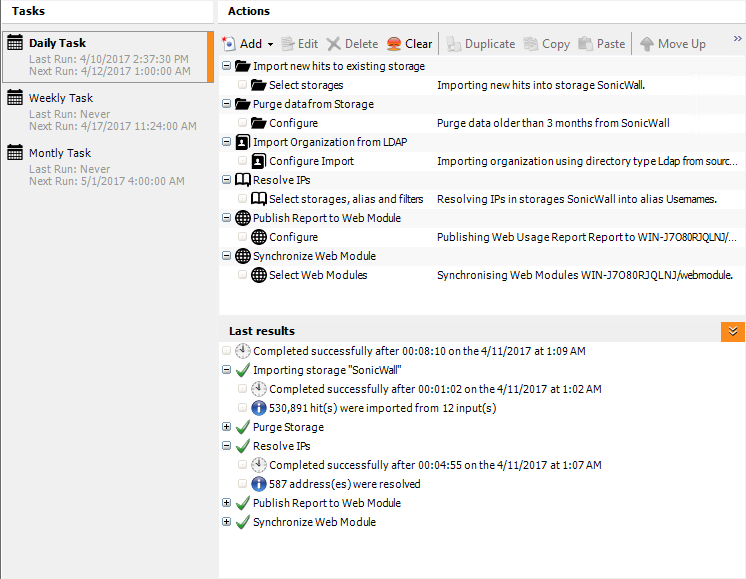
Schedule:
Analyzer Premium enables task scheduling for overnight or weekend "set and forget" data importing and report generation.

New Features:

Analyzer Premium 4.2 has been developed with many new features and improvements on the previous version (Analyzer Premium 4.1).

Faster Word Reports
Generating reports for Microsoft® Word is now much faster. Analyzer Standard utilizes Word ML to quickly generate Word reports. To edit these reports, you need Microsoft Word 2003 or above. You can view these reports with the free 'Word Viewer 2003' available from the Microsoft web site.

Database Import Wizard
It is now easier to import data from a database such as ISA server logs from SQL server using the new Database Import Wizard.

Page Views
Drilldown from any User to 'Page Views' to see the list of Web pages they viewed and the order in which they viewed them. It also displays the resources (graphics files, script files etc) associated with each page.

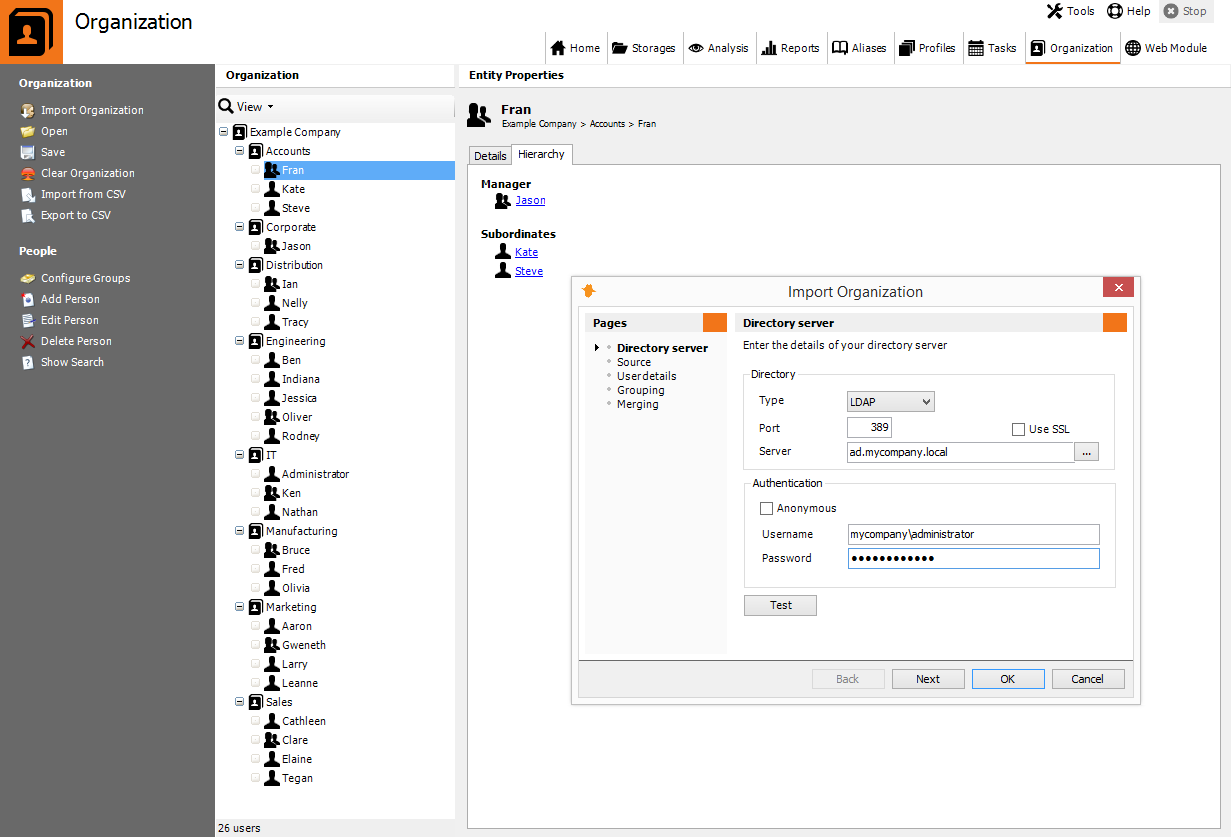
Import Users and Departments from Active Directory
Use Active Directory to automatically import user's email addresses and computer names into the Usernames Alias, and Windows Groups into the Departments Alias.

Group Selection when Importing Departments as a task
Import selected Groups into the Departments alias when running the import as a Scheduled task.

Easy Report Template editing
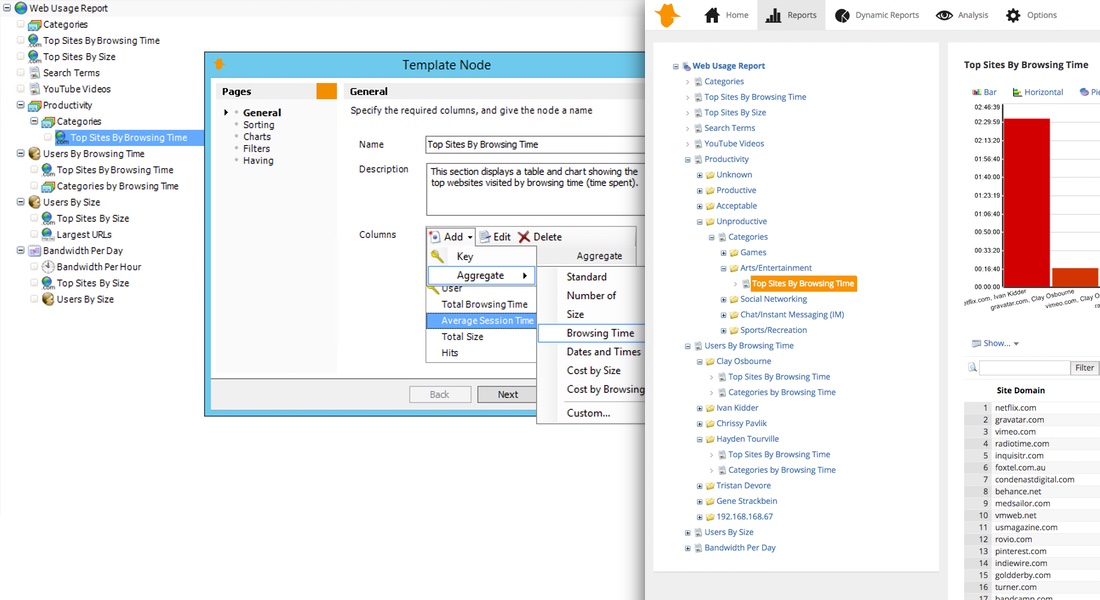
Use the Templates View to edit any one of WebSpy's pre-defined report templates.

New Report Templates
Analyze hits to your web site using the new 'Website Analysis' and 'Website Referrer Analysis' report templates. Get greater visibility into your Internet usage with the new 'Users, Sites and Resources' Template.

New Profiles
In addition to the comprehensive range of existing WebSpy profiles, URLs can now be categorized into Sport, Web Mail, Piracy, Spyware & Adware, and Automated Traffic and Tickers.

Search Engines Alias
Get a better idea on what your users are searching for on the Internet using the new 'Search Engines' alias. This alias groups your Internet browsing by the major search engines and drilling down to the Keywords or Queries summaries will display the search terms used.

Range of HTML Report Styles
Choose from a range of HTML style sheets to change the look and feel of your HTML reports (Tools | Options | Publish).

Configurable report cover page text
Add customized text to the cover page of each report using the Description field in Tools | Options | Publish.

Improved User Interface
Sidebar navigation is now possible from within the task pad column saving screen real estate. New images and icons improve the usability experience.

Quick Start Tutorial
Get started with Analyzer Standard faster using the Quick Start Tutorial. Simply select Help | Quick Start Tutorial from the main menu. This tutorial includes links to online video demonstrations to view how each step is performed.

Existing Features:

Analyzer Premium 4.2 has retained all the features that has made Analyzer Premium 4.1 one of the most popular Internet and email log analysis tools available.

  • Analyze your organizations Internet and email usage in one package
  • Support for a wide variety of log formats including Microsoft© Exchange
  • Powerful drilldown ability for in-depth interrogation of data
  • Includes comprehensive Email and Web reports
  • Create reports in Microsoft® Word (.DOC), Excel (.CSV) or web document (HTML)
  • Extract HTML files from WSR reports for publishing reports on a web page or intranet
  • Easy to use right-click functionality to drilldown into data and to add information to aliases or profiles
  • Customizable profiles allow you to categorize Internet browsing activity
  • Find functionality enabling you to quickly find information
  • Import/Export aliases and profiles to .CSV format for efficient editing of large files
  • Task scheduling for “set and forget” data analysis
  • Intuitive user interface with a web like look and feel
  • Utilizes existing network resources such as Windows NT® User Groups
  • Simple installation and set-up
  • Automatic updates enable you to download and install new builds automatically.
  • Context sensitive help to provides detailed information and assistance with all Analyzer Premium functionality.
Analyzer Premium Product Information
Product
Information
Analyzer Premium Technical Information
Technical
Information
Analyzer Premium Screen Shots
Screen
Shots
Analyzer Premium Online Demonstration
Product
Demonstration
Download a free 30 day trial
Download
Now